Building product architecture for a complex CRM platform.
Defining the platform.
The goal wasn't simply to add a CRM. It was to extend an existing land intelligence platform into a complete workflow for land investors. Users could identify investment opportunities, evaluate properties, review detailed property and ownership information, manage outreach campaigns, manage customer relationships, schedule follow-ups, acquire properties, and ultimately list and manage those properties, all within a single platform.
Integrating the CRM meant more than introducing new functionality. It required defining how an entirely new operational platform would fit within the existing application. We needed to determine where the CRM belonged, how navigation and settings should be organized, and how the new CRM experience would connect seamlessly with the existing application while feeling like a natural extension of the overall experience.
Claude Code gave us the flexibility to rapidly prototype and validate product architecture decisions within a working application. Working directly in the prototype allowed us to refine workflows, navigation, settings, and interactions through continuous feedback from internal stakeholders and a small group of customers before handing the validated interactive prototype to engineering for implementation.
Understanding the market through architectural research.
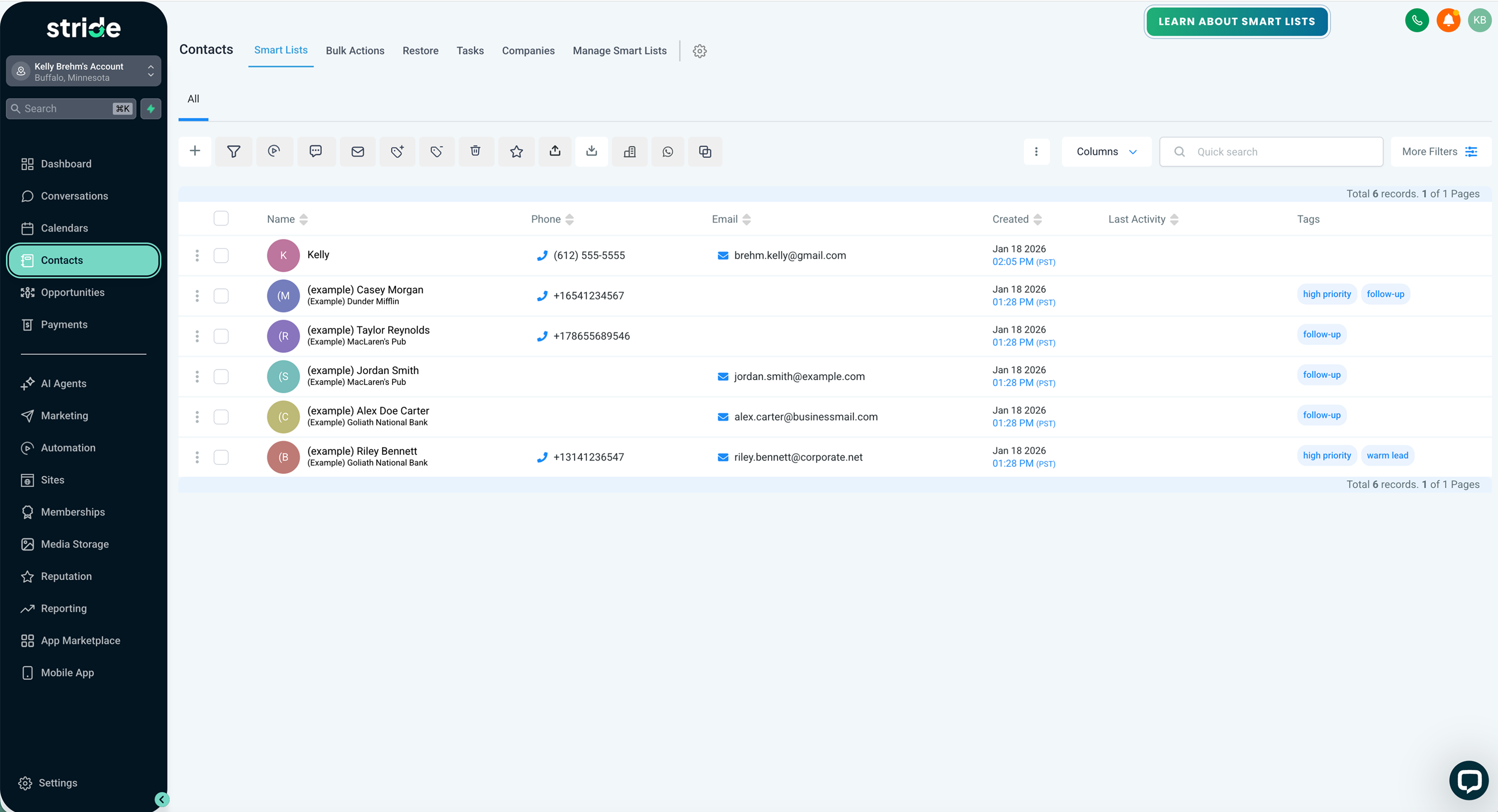
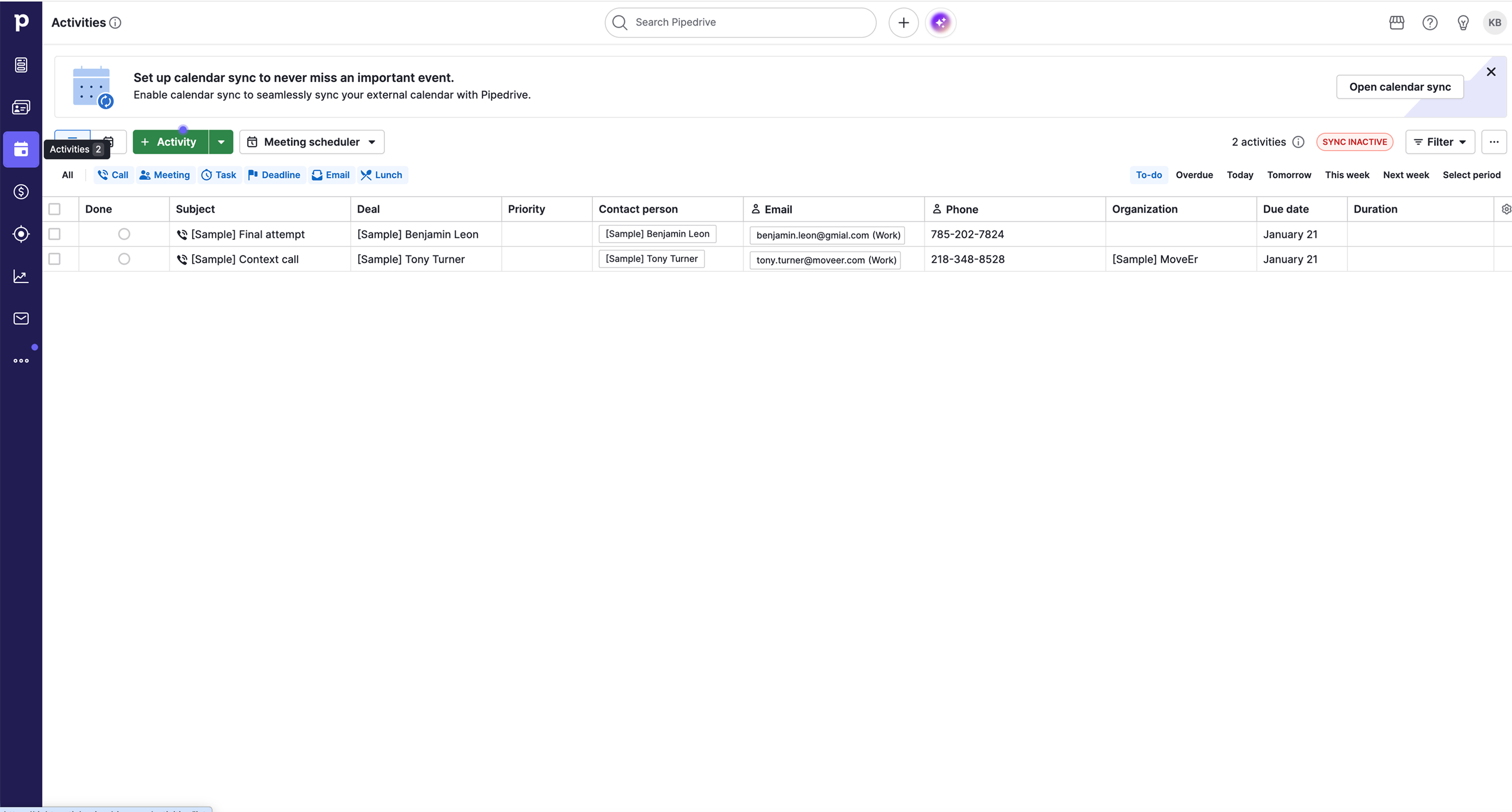
Before defining the product architecture, I created accounts in the CRM platforms our customers and internal teams were already using. I mapped their navigation, workflows, settings, document builders, and interaction patterns to understand how each product was structured, not to copy them, but to understand where they worked well and where they created friction.


Identifying opportunities.
Across every CRM I studied, customers still relied on multiple tools to complete their work. They researched properties in one place, managed outreach in another, generated contracts somewhere else, and tracked acquisitions separately. That became the opportunity: bring the entire workflow into one platform.
Designing for flexibility.
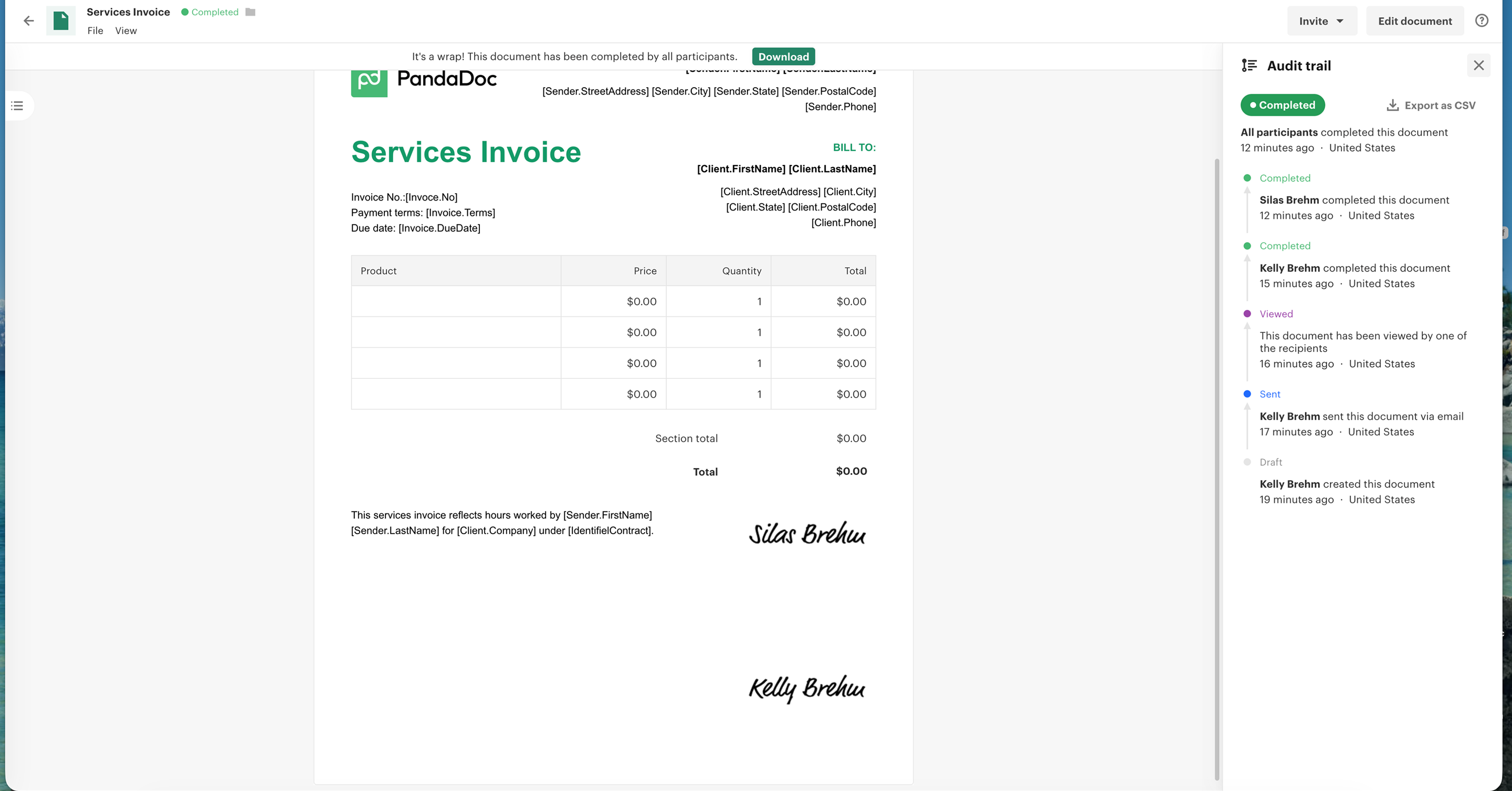
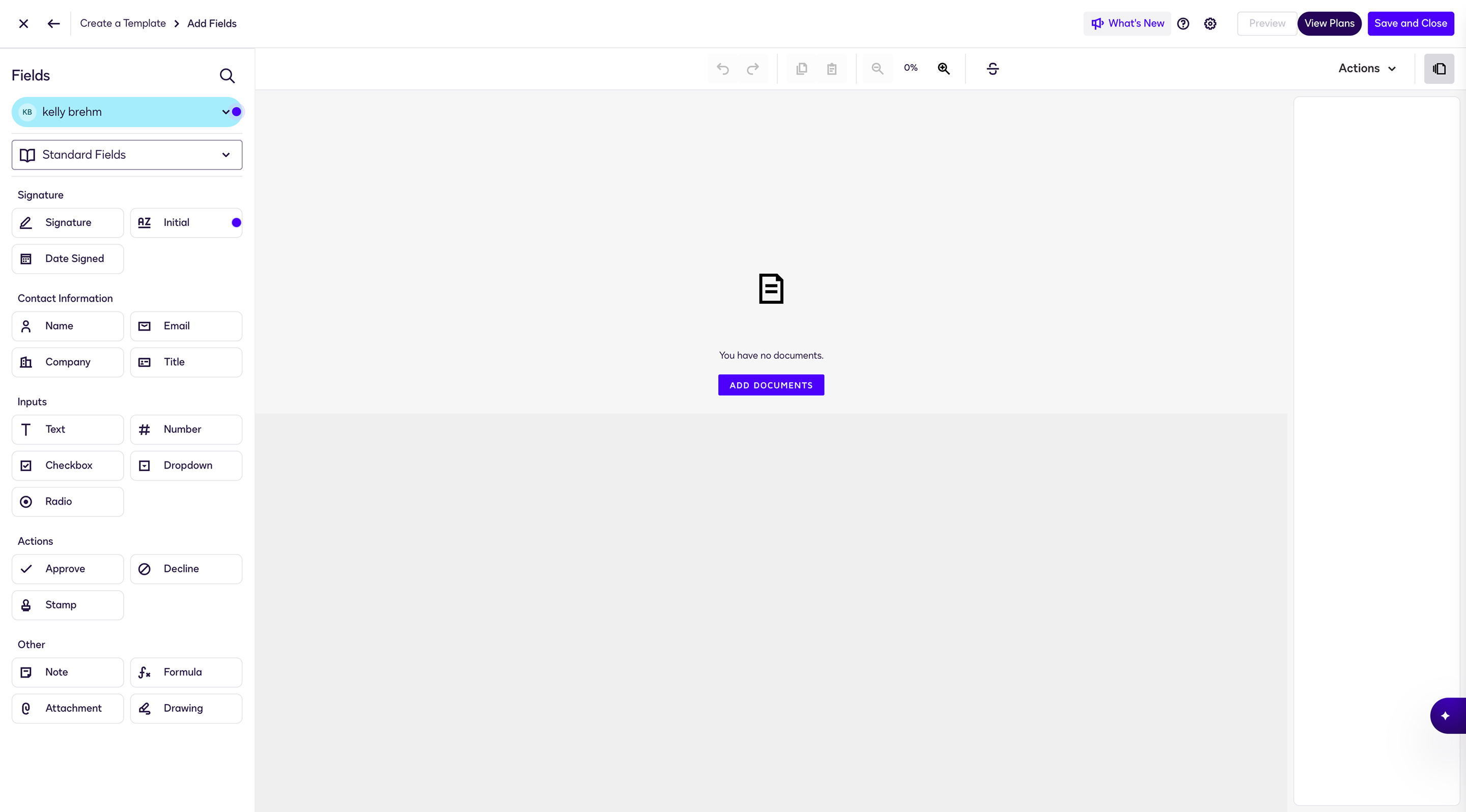
Settings were one of the most important parts of the CRM because they defined how customers could make the platform their own. Looking across other CRM platforms, I found they were incredibly flexible, but often overwhelming to use. I wanted customers to be able to customize contracts, templates, tags, custom fields, and other CRM settings without digging through endless configuration screens.
Explore the platform.
This interactive prototype includes the complete CRM experience built during the project. Every page, workflow, navigation pattern, configurable setting, and interaction was designed as part of a single connected operational platform before engineering implementation. It includes everything developed for the CRM except dashboards and reporting, which were planned for a later phase.
▶ Launch prototype ↗Design Ownership
- Led product architecture for a complex operational CRM platform.
- Defined the navigation, information architecture, and overall product structure.
- Designed the complete CRM experience spanning contacts, properties, communications, contracts, tasks, AI insights, and configurable CRM settings.
- Designed and built the complete interactive prototype before handing it off to engineering.
Platform Highlights
- Integrated a complete operational CRM into an existing land intelligence platform.
- Connected the workflow from identifying investment opportunities through property management.
- Flexible CRM settings including contracts, templates, tags, and custom fields.
- Designed a connected CRM where navigation, workflows, and CRM settings worked together as one experience.